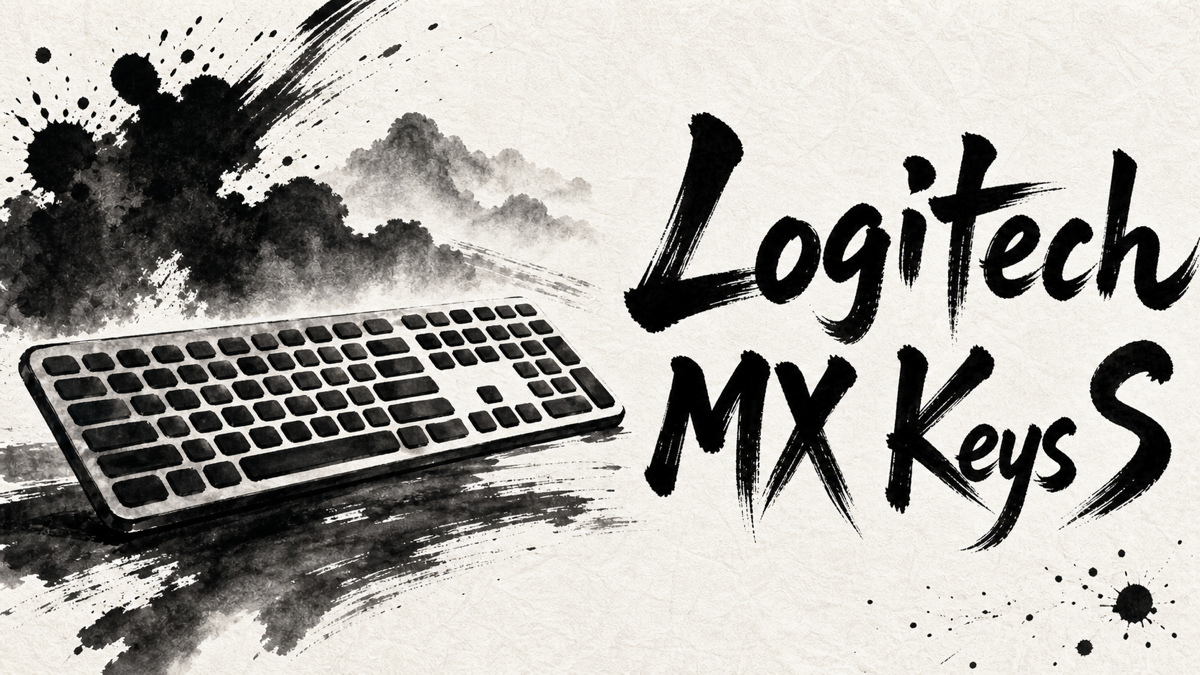
The MX Keys S is the kind of keyboard that disappears when it works well. It does not chase gaming speed, mechanical-switch drama, or a travel-friendly body. Its promise is quieter: a stable full-size desk keyboard that can move between computers without making the workday feel more complicated.
Japanese user feedback treats it in that same practical way. The strongest praise comes from people who type for long stretches, switch between several computers, or work at night. The hesitation comes from the same place: this is not a cheap keyboard, and its best parts matter most when the desk setup is already built around Logitech’s software and multi-device workflow.
Amazon.com
Logitech MX Keys S
Check current availability on Amazon.com
As an Amazon Associate I earn from qualifying purchases.
What’s Logitech MX Keys S
Logitech MX Keys S is a low-profile wireless keyboard aimed at productivity desks rather than gaming setups. It uses a slim body, quiet laptop-style keys, and a full-size layout with a number pad.
The official feature set centers on everyday workflow: smart backlighting, spherically dished keys, Easy-Switch device control, Bluetooth Low Energy, Logi Bolt compatibility, USB-C charging, and customization through Logi Options+. Logitech also positions Smart Actions as a way to trigger repeated work steps from the keyboard.
Those details matter because the Japanese feedback is less about raw specifications and more about fit. MX Keys S is praised when it sits on a desk, connects to more than one computer, and gets used for hours. It is less convincing if the buyer mainly wants a light keyboard to carry around or a simple low-cost replacement.
Positive Reviews
Praise clusters around the parts of the keyboard that affect daily work rather than one-time setup.
- Many users like the typing feel: quiet, stable, low-profile, and comfortable enough for long writing or office sessions.
- The keyboard’s weight and firm build are often treated as a desk-use benefit because they keep it steady while typing.
- Multi-device switching is a major reason people choose it, especially when moving between several computers.
- Backlighting gets practical praise from users who work at night or in darker rooms.
- Several users accept the high price because they feel the overall experience is a noticeable step up from cheaper wireless keyboards.
Negative Reviews
The drawbacks are mostly about how well the keyboard matches the buyer’s routine.
- Price is the biggest hesitation, even when users are otherwise satisfied.
- The keyboard is heavy enough that it makes more sense as a desk fixture than a portable keyboard.
- People who prefer deeper mechanical switches may find the low-profile feel too shallow or soft.
- Some users need time to adjust to the key layout, function keys, or backlight behavior.
- Logitech’s software features can be a weakness on company-managed computers where app setup is limited.
- Mac users who expect Apple-style keys should check the layout before assuming it will feel like a Magic Keyboard.
Product Review Summary
Typing Feel & Desk Use
MX Keys S is judged most clearly after several hours of typing, not from a quick tap in a store.
Pros
- Quiet keys help in shared rooms and late work sessions.
- The low-profile layout suits writing, email, and document tasks.
- The heavier build keeps the keyboard steady during long typing sessions.
Cons
- The shallow key travel will not satisfy everyone, especially mechanical keyboard fans.
- Some users need time to adjust to the texture, key shape, or feel.
- The weight is less attractive if the keyboard is moved around often.
MX Keys S makes the most sense for a fixed desk where silent, consistent typing matters more than switch personality.
Multi-Device Workflow
The keyboard’s value rises when it is connected to more than one computer.
Pros
- Users who switch between devices often describe the experience as less frustrating than cheaper multi-device keyboards.
- Logi Bolt and Bluetooth support make it easier to fit different desk setups.
- Easy-Switch is one of the features that helps justify the premium price for people with multiple machines.
Cons
- People using only one computer may not benefit much from this part of the product.
- Connection stability can depend on receiver placement, Bluetooth conditions, and the surrounding setup.
- The workflow advantage is smaller if the user does not also use Logitech’s software ecosystem.
For a one-computer desk, MX Keys S is mostly a premium keyboard; for a multi-device desk, it becomes a cleaner way to keep work moving.
Backlighting & Software
Backlighting and customization are useful, but they also create some of the product’s environment-specific caveats.
Pros
- Backlighting is appreciated by users who work at night or in dim rooms.
- Automatic illumination makes the keyboard feel more polished in daily use.
- Logi Options+ and Smart Actions can turn the keyboard into a small workflow tool rather than only an input device.
Cons
- Some users need time to get used to the lighting behavior.
- Software-dependent features are less appealing in offices with strict IT rules.
- If customization is unavailable or ignored, part of the product’s premium disappears.
The extra software layer is useful when it is allowed and configured, but MX Keys S should not be chosen only for features that a work environment may turn off.
Price, Weight & Fit
Japanese feedback often treats the price as acceptable only after the keyboard proves itself in daily work.
Pros
- Users who type a lot are more likely to see the price as justified.
- The solid construction gives the keyboard a more premium feel than budget models.
- Buyers replacing several cheaper keyboards may feel the upgrade saves frustration.
Cons
- It is expensive for anyone who simply needs a basic wireless keyboard.
- The weight reduces its appeal as a bag-friendly accessory.
- Mac users and people with specific layout expectations should check the exact model before buying.
MX Keys S is easier to defend as a desk tool than as a general accessory purchase.
Amazon.com
Logitech MX Keys S
Check current availability on Amazon.com
As an Amazon Associate I earn from qualifying purchases.
Summary
Logitech MX Keys S receives strong Japanese feedback from people who want a quiet, stable, full-size keyboard for long desk sessions. Its appeal is not that every feature is exciting on its own. It is that the keyboard, backlight, wireless switching, and software controls can make a multi-device desk feel less scattered.
It is recommended for:
- People who type for long stretches and want a quiet, low-profile keyboard.
- Desk users who switch between multiple computers or devices.
- Buyers who value backlighting, stable wireless behavior, and Logitech customization.
- Users replacing cheaper keyboards that felt unstable, noisy, or inconvenient.
It may not be the best choice for:
- People looking for a lightweight portable keyboard.
- Mechanical keyboard fans who want deeper travel or stronger switch feedback.
- Buyers who only need a simple, low-cost wireless keyboard.
- Company-managed computers where Logi Options+ setup or software customization is limited.
- Mac users who need an Apple-native layout without adjustment.
MX Keys S is most persuasive when it stays on a serious desk and quietly removes friction from typing and switching; away from that desk-centered routine, its price and weight become much harder to ignore.


Comments