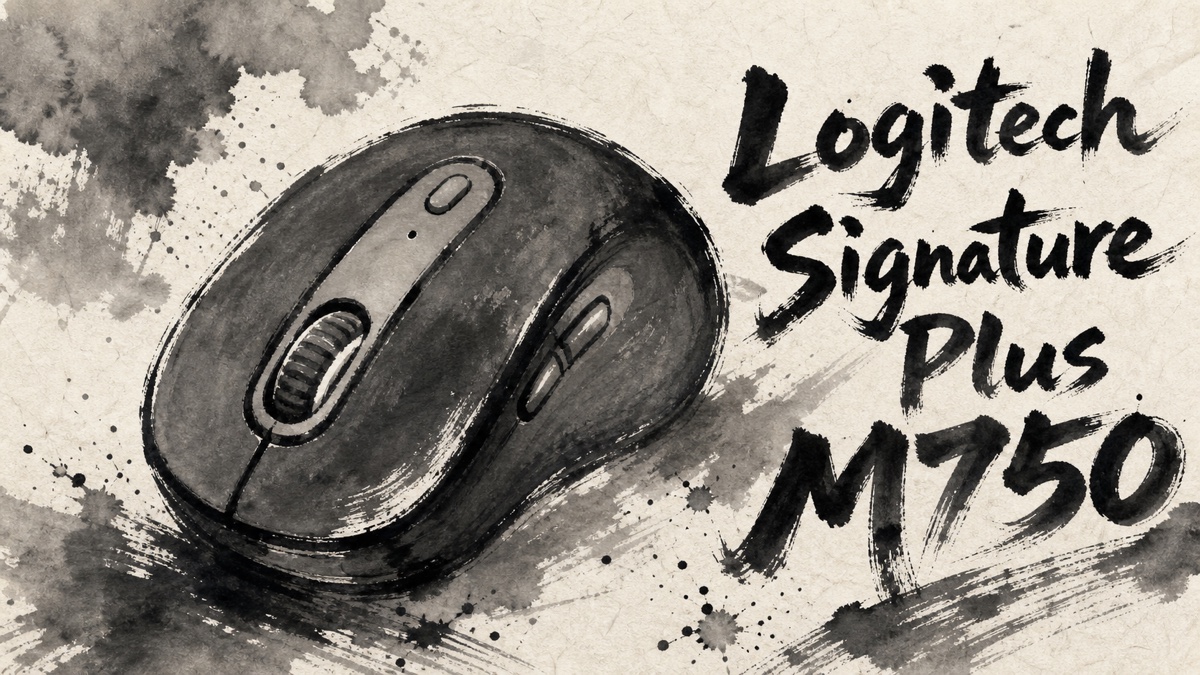
Choosing a mouse for daily work is rarely about one dramatic feature. The Logitech Signature Plus M750 is more about small frictions: how loud the click is during a call, whether the wheel feels natural in long documents, whether the mouse fits your hand, and whether switching between devices is actually smooth in real use.
Japanese user feedback around the M750 is useful because it treats the mouse as an everyday tool, not a spec-sheet trophy. The pattern is fairly clear: many users like it as a quiet, practical upgrade from a basic mouse, but it is not the right answer for people expecting a premium MX-style mouse, a gaming mouse, or effortless multi-device switching without any hand movement.
Amazon.com
Logitech Signature Plus M750
Check current availability on Amazon.com
As an Amazon Associate I earn from qualifying purchases.
What’s Logitech Signature Plus M750
Logitech Signature Plus M750 is a wireless productivity mouse positioned above the simpler Signature models and below Logitech’s more premium MX line. Depending on the market and color, it is sold in regular and large size variants, so the exact listing matters.
Official specifications identify the M750 as a six-button mouse with SmartWheel scrolling, Bluetooth Low Energy and Logi Bolt receiver connectivity, Logi Options+ support, and an AA-battery design. The main idea is straightforward: quiet clicking, everyday comfort, multi-device flexibility, and enough customization for normal office work.
That positioning explains the review split. Users who want a quiet, comfortable, reasonably priced work mouse often respond well to it. Users who want high-end materials, advanced gaming performance, a top-tier scroll mechanism, or a front-facing device-switch button can come away less impressed.
Positive Reviews
The strongest praise is practical. Users tend to like the M750 when it removes small annoyances from daily computer work.
- Quiet main clicks are the clearest strength. Many users value the low click noise for shared offices, video meetings, late-night work, and home environments where other people are nearby.
- It feels like a sensible upgrade from a cheap or bundled mouse. Feedback often frames the M750 as a better everyday tool without jumping all the way to a premium mouse.
- The SmartWheel is useful for normal productivity. Users like being able to move through long pages quickly while still keeping enough control for smaller scroll movements.
- Multi-device support is a real reason to choose this model over simpler mice. People using more than one computer appreciate the combination of Bluetooth, receiver-based connection, and device switching.
- Size options help when chosen correctly. Users with larger hands often respond better to the L version, while regular-size buyers may prefer the lighter, more compact feel.
- The shape is easy to live with for office work. When the size matches the hand, feedback suggests the mouse can sit naturally under the palm for long sessions.
- Button customization adds value for work routines. The side buttons and software support give the mouse more flexibility than a basic three-button device.
- The overall balance is appealing. The M750 is not treated as exciting hardware, but as a quiet, useful, and fairly complete work mouse.
Negative Reviews
The criticism is also practical. Most concerns come from fit, control placement, button feel, and long-term reliability rather than from the basic concept of the product.
- Size choice can make or break the experience. Some users find the regular model too small, while others may not need the larger version. Buying without checking hand size is a risk.
- The device-switch button placement can be annoying. Because switching is handled from the underside, frequent multi-PC users may feel the workflow interruption more than expected.
- Not every button feels equally quiet. The main clicks are the star, but side buttons and wheel clicks can feel or sound less refined.
- Some users report click or drag reliability concerns. The pattern is not the majority view, but visible feedback includes cases where click response or drag behavior became a frustration.
- Cursor smoothness may depend on the surface. A few impressions suggest that desk color or mouse pad choice can affect how smooth the pointer feels.
- Light colors may show wear more easily. Buyers choosing pale colors should think about hand-contact areas and long-term appearance.
- It is not a gaming mouse. Anyone expecting high polling performance, gaming-focused shape tuning, or esports-style responsiveness should look elsewhere.
- It is not an MX replacement. Users who expect the weight, scroll feel, materials, or premium controls of Logitech’s higher-end line may find the M750 too ordinary.
Product Review Summary
Quiet Clicks And Daily Work
The M750’s quiet-click identity is the easiest part of the product to understand from Japanese user feedback.
Pros
- Main click noise is repeatedly praised for shared spaces.
- The quieter feel works well for meetings, night work, and home offices.
- It makes the mouse feel more polished than many basic low-cost options.
- Users who mainly do browsing, documents, email, and office apps are the natural audience.
Cons
- Quiet main clicks do not mean every button is equally quiet.
- People sensitive to side-button or wheel-click noise should be cautious.
- The quiet feel is useful, but it does not turn the mouse into a premium flagship.
For a normal work desk, quiet clicking is the M750’s strongest and most reliable selling point.
Fit, Size, And Hand Comfort
Fit is the biggest variable because the M750 family includes different sizes and colors.
Pros
- The L size can work well for users who find smaller mice cramped.
- The regular size may suit people who prefer a compact productivity mouse.
- When the size is right, the shape is easy to use for long office sessions.
- Size choice gives buyers more room than a one-size-only mouse.
Cons
- Buying the wrong size can make the mouse feel ordinary or uncomfortable.
- Users with very large hands may still want a bigger ergonomic mouse.
- The product is not shaped as aggressively as a dedicated ergonomic model.
- Light color variants may require more care to keep looking clean.
This is not a mouse to choose only by color. Pick the size first, then the color.
Scrolling, Buttons, And Multi-Device Use
The M750 has more control features than a basic mouse, but the details matter.
Pros
- SmartWheel scrolling is useful for switching between precise movement and longer page travel.
- Bluetooth and Logi Bolt support make it flexible across common computer setups.
- Button customization can improve repetitive work tasks.
- Multi-device support is a meaningful upgrade over simpler Signature models.
Cons
- The underside device-switch button is inconvenient for people who switch constantly.
- Side buttons may not feel as quiet or refined as the main clicks.
- Users who want premium scroll-wheel feel may prefer Logitech’s higher-end models.
- Surface choice can affect pointer impressions for some users.
The M750 is best when device switching is occasional. If you jump between computers every few minutes, the button placement deserves real attention.
Value And Long-Term Expectations
Japanese feedback often treats the M750 as a sensible middle-ground purchase.
Pros
- It feels like a clear upgrade from a basic included mouse.
- The feature set is broad enough for office work without becoming complicated.
- It costs less than premium productivity mice while still offering quiet clicks and multi-device support.
- Users who want a dependable daily tool often understand the product immediately.
Cons
- It may feel too plain for buyers chasing a premium experience.
- A few visible complaints mention click, drag, pointer, or exterior-wear issues over time.
- Buyers who use a mouse heavily every day should care about warranty, seller reliability, and return options.
- Gamers and power users may outgrow it quickly.
The M750 makes the most sense when expectations are modest but specific: quieter clicks, better scrolling, enough buttons, and less desk clutter.
Amazon.com
Logitech Signature Plus M750
Check current availability on Amazon.com
As an Amazon Associate I earn from qualifying purchases.
Summary
Logitech Signature Plus M750 is a good example of a product that works best when you do not over-romanticize it. Japanese user feedback suggests that it is a quiet, practical, work-focused mouse with a useful feature set and a fair middle-ground price. It is especially appealing if your current mouse is noisy, basic, or inconvenient across multiple devices.
The main warning is expectation management. The M750 is not a premium MX mouse, not a gaming mouse, and not the most seamless option for constant device switching because the Easy Switch control is on the underside. Fit also matters more than it may appear from the product page.
It is recommended for:
- Office and home workers who want quieter mouse clicks.
- Buyers upgrading from a cheap or bundled mouse.
- Users who want SmartWheel scrolling and customizable buttons without paying MX-series prices.
- People who use more than one device but do not switch every few minutes.
- Buyers who can choose the regular or L size based on hand fit.
It may not be the best choice for:
- Gamers who need high-performance gaming features.
- Users who want a premium MX-style scroll wheel and build feel.
- People who frequently switch between computers and dislike underside controls.
- Buyers who are very sensitive to side-button or wheel-click noise.
- Users who cannot decide between regular and L size without trying the shape.


Comments