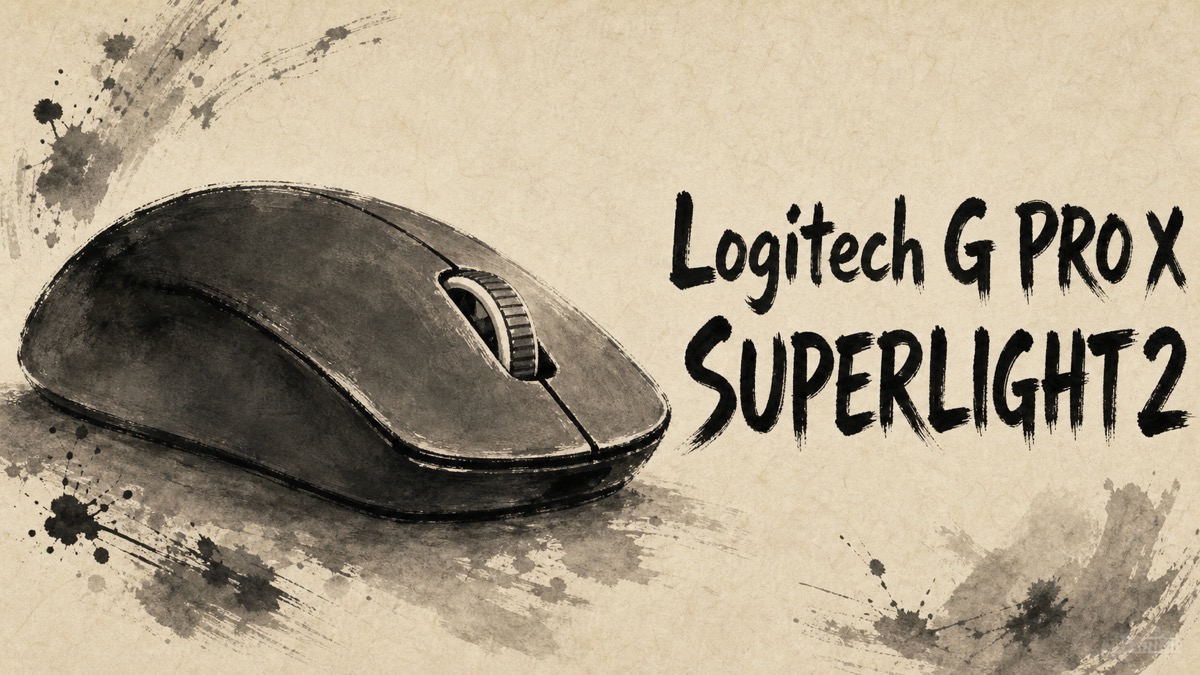
For a competitive mouse, the difficult question is rarely whether it can track. It is whether the shape disappears in the hand when a match gets busy. That is where the Logitech G PRO X SUPERLIGHT 2 earns most of its attention in Japanese user feedback: low weight and controlled movement are the recurring strengths, while the click feel and deliberately sparse controls demand a more personal decision.
Amazon.com
Logitech G PRO X SUPERLIGHT 2 (Black)
Check current availability on Amazon.com
As an Amazon Associate I earn from qualifying purchases.
What’s Logitech G PRO X SUPERLIGHT 2
The G PRO X SUPERLIGHT 2 is a lightweight, symmetrical wireless gaming mouse built around a clean five-button layout. Logitech positions it for competitive play, pairing a low-mass body with its LIGHTFORCE hybrid switches, HERO 2 sensor, and G HUB settings. The point is not to add a control for every genre; it is to keep the hand and mouse movement uncomplicated.
That philosophy also explains the feedback split. Players who already know they like this kind of symmetrical shape often focus on fast, low-fatigue movement. Players expecting many thumb controls, instant hardware changes, or a soft quiet click have more reservations.
Positive Reviews
- Low weight helps movement feel direct. FPS players repeatedly connected the light body and smooth glide with easier large swipes and fine corrections. The praise is about keeping the mouse from feeling like the limiting part of a quick movement, not about a lab-measured advantage.
- The shape can feel unusually settled once it fits. Several users described reliable aim and comfortable handling across claw or palm-leaning grips. It is a familiar, understated form rather than an aggressively sculpted ergonomic shell.
- The core feature set is focused. Users who value a simple wireless competition mouse liked the accurate tracking, onboard settings after setup, and the lack of extra controls getting in the way.
- Battery use fits a cable-free desk. Feedback on ordinary use praised the combination of wireless operation, low weight, and power management for a setup that stays out of the way between sessions.
Negative Reviews
- The click feel is a real preference test. Some users enjoyed the pronounced, deliberate response; others found it firmer or louder than they wanted. This is worth trying in person when click pressure or shared-room noise matters.
- Five buttons are not enough for every game. The clean layout suits FPS-focused play, but users who rely on many mouse-bound commands may find it restrictive. DPI changes and deeper adjustments also lean on G HUB rather than a dedicated top-side button.
- Fit still depends on hand and grip. A few users needed time to adapt to the size, and others wanted more side grip. The symmetrical shell is broadly familiar, but it is not universal.
- The price asks for a clear use case. Casual desktop users appreciated the smooth tracking, yet some questioned whether the premium makes sense without competitive play. One visible report also advised checking game and PC compatibility before treating the highest polling settings as an automatic benefit.
Product Review Summary
Movement and aim
The case for this mouse is strongest when quick, repeatable movement matters more than a long feature list.
Pros
- Light body that users often found easy to reposition in FPS play
- Smooth, accurate-feeling tracking reported by players moving from simpler wireless mice
- Wireless design that keeps a desk setup uncluttered
Cons
- The gain is less compelling for routine browsing or office work alone
- Hand size and grip style can change whether the shape feels settled
For a player who already prefers a symmetrical shell, the low-mass approach is the reason to start here.
Clicks and controls
The design keeps only the controls that support its competitive-mouse role, and that clarity is either refreshing or limiting.
Pros
- Deliberate click response appealed to users who prefer clear tactile confirmation
- Simple five-button layout avoids accidental commands
- Onboard settings can reduce dependence on the software after initial configuration
Cons
- Firm or loud clicks did not suit every user
- No dedicated hardware DPI control for quick changes
- Limited buttons are a poor match for command-heavy games
Its control scheme makes most sense for players who want the mouse to stay predictable, not configurable at every moment.
Setup and value
The premium is easier to justify as part of a tuned gaming setup than as a general-purpose mouse upgrade.
Pros
- G HUB and onboard memory give room to establish a preferred profile
- High-performance settings are available for users with a compatible game and PC
- Owners who liked the shape valued the focused build over extra features
Cons
- Initial software setup can feel less immediate than hardware-first controls
- Highest polling settings should be checked against the intended game and system
- The price is difficult to separate from its esports-oriented purpose
Buyers who already know their preferred sensitivity and grip will get more from it than those still deciding what kind of gaming mouse they need.
Amazon.com
Logitech G PRO X SUPERLIGHT 2 (Black)
Check current availability on Amazon.com
As an Amazon Associate I earn from qualifying purchases.
Summary
It is recommended for:
- FPS players who prioritize quick, low-fatigue movement
- Buyers who already prefer a symmetrical gaming-mouse shape
- Users who want a clean wireless setup and are comfortable setting a profile in software
It may not be the best choice for:
- Players who need many mouse-bound commands
- Buyers who prefer soft or quiet clicks
- Casual desktop users who do not need a competition-focused design
- Anyone unable to check the shape, click feel, and game compatibility before paying a premium
The G PRO X SUPERLIGHT 2 is most convincing when its restraint is the point: a light, familiar-shaped tool for players who want their mouse movement to stay simple and repeatable rather than feature-heavy.


Comments